
01
Commerce layer
Products, prices, stock, orders, payments and fulfilment in one process.
Dilio does not force your whole business into one complicated interface. Each layer solves a distinct job while sharing the same data.
Dilio architecture
Every team works in the layer made for them, while customers, products, orders, stock and payments remain shared.
Products, prices, stock, orders, payments and fulfilment in one process.
Services, materials, deadlines, assignees and customer payment in one order.
Your own site with a catalogue, cart and customer account. Prices and availability come directly from Dilio.
Tasks, statuses and the data each worker needs, without exposing the rest of the ERP.
Product demand, purchasing, receiving and supplier settlements.
Invited wholesale buyers see their prices and available stock, place orders in the portal and track their status.
Invite buyers to the portal: they can find products in the catalogue, see their prices and availability, place an order through the cart and check its status. The order appears in Dilio right away.
Catalogue, cart and order history are available now
FRM-001 Form 01 24 pcs 1 180 ₴ARC-001 Arc 01 12 pcs 940 ₴LOP-001 Loop 01 6 pcs 1 490 ₴A separate app for teams delivering services. Employees open it on a phone and work with the same orders that managers see in Dilio.
works.dilio.io · Access is provided by your manager
Browse service orders, find the one you need and check its progress.
View your work and mark it as completed according to your permissions.
View your own payment history on your phone.
An overview of the app sections. Available actions depend on the employee’s role.
From order to shipment: see what was ordered, what has been paid and what remains in stock.
For shops, online sellers and wholesalers.
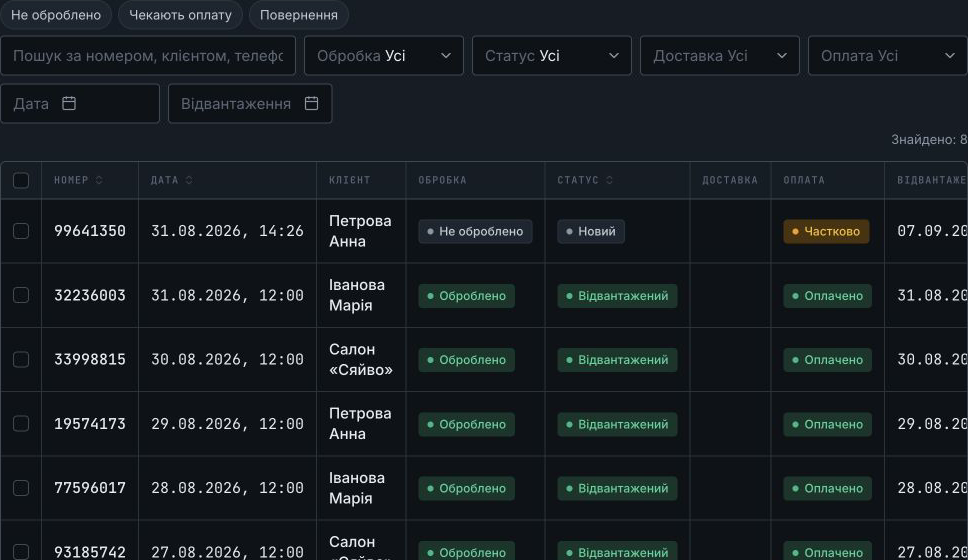
Keep tasks, assignees and payment in the order, so the details aren’t scattered across chats.
For repair shops, service businesses, studios and salons.
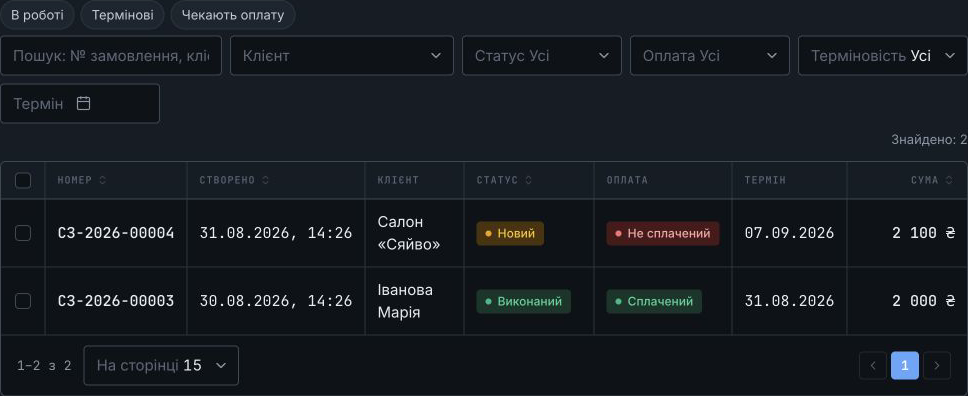
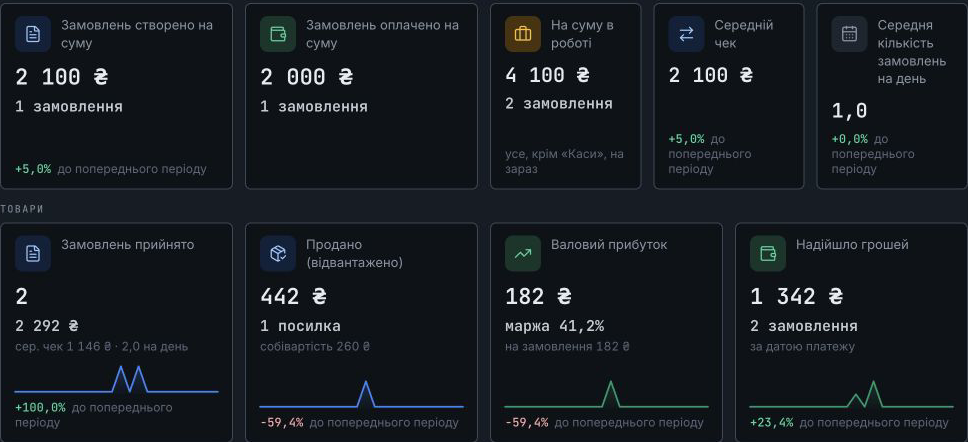
Did the work and sold a product? Add both to the order, with services, products and the total side by side.
For example: a repair centre selling parts or a shop offering installation.
On your phone
Open Dilio in your phone’s browser to check work when you’re away from your desk.
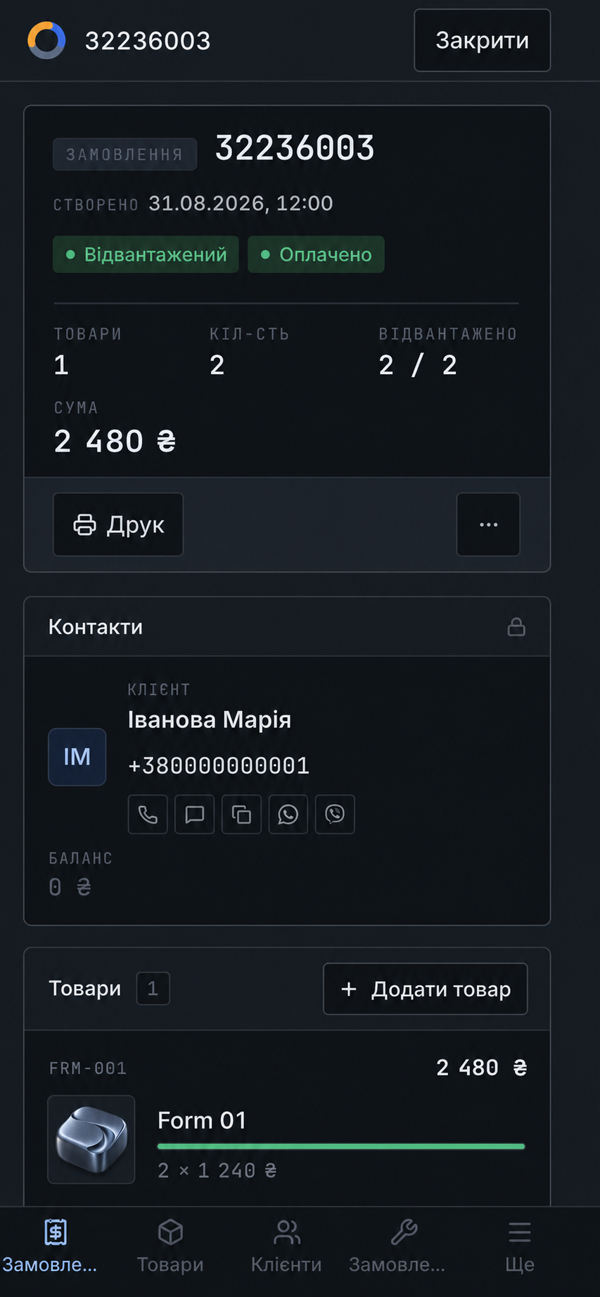
Dilio interface illustrations with demo data. Product names and images have been adapted for this website.
Choose your business setup, prepare the workspace and take an order from enquiry to payment.
Free forever · No card needed